

A Complete Guide to Buying Surge Protectors Online
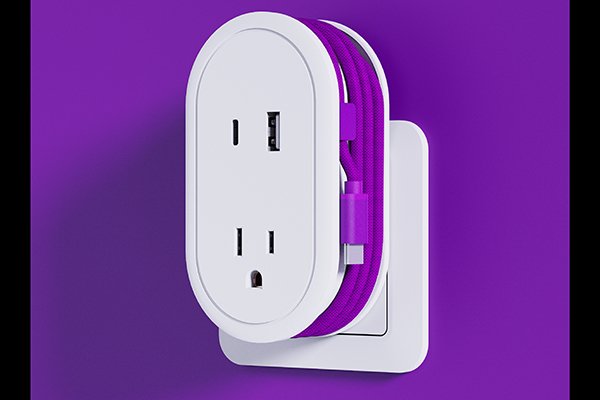
I shop for surge protectors with one goal: protect my gear without overthinking it. If the listing is honest about safety, ratings, and layout, I’m in. Here’s my no-stress guide you can copy for your next cart.
What Is a Surge Protector and How Does It Work?
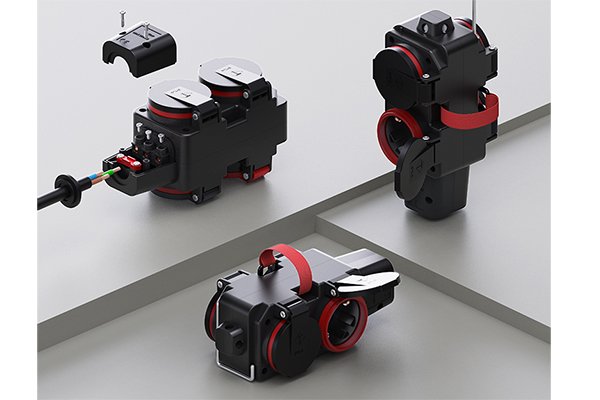
A surge protector looks like a power strip, but inside it has a surge protection stage1 (usually MOVs—Metal Oxide Varistors). When a spike arrives, the MOV clamps the voltage and diverts the excess energy safely to earth. Good designs add:
- Thermal disconnect for the MOV (safe end-of-life)
- Overload breaker for the outlets
- “Protected” LED to show the surge stage is still active
- Optional EMI/RFI filter2 to calm electrical noise (handy for audio/monitors)
Note: A surge protector ≠ a UPS. A UPS keeps devices running during a blackout; a surge protector mainly absorbs spikes.
Compliance basics by region
- EU/UK: CE / UKCA + EMC; RoHS materials
- US/Canada: UL/ETL listing (surge protective device), FCC (for smart SKUs)
Key Features to Look for When Buying a Surge Protector Online
1) Real protection numbers
- Joule rating3: Practical baselines
- Desks/TV corners: ≥1,000 J
- Gaming/creator rigs: 1,500–3,000 J
- Clamping/let-through voltage: Lower is better (often shown as 330/400/500 V in US specs)
- “Protected” indicator: Must exist and be explained
2) Safety & build
- Overload breaker (resettable) + thermal cut-off
- Flame-retardant housing (commonly UL94 V-0 in datasheets)
- Solid cord, firm socket grip, proper strain relief
3) Layout & usability
- Wide-spaced outlets for chunky bricks
- Flat/angled wall plug, cord length that actually reaches (1.8–2.5 m)
- Mounting keyholes or brackets (under-desk tidy)
- Ground OK / Protected LED4s visible at a glance
4) Charging
- USB-C PD5 (30–100 W shared) + USB-A where needed
- A clear power map (per-port vs shared watts) in the listing
5) Honest compliance
Quick spec table
| Setup | Minimum Joules | Outlets | USB-C PD5 | Notes |
|---|---|---|---|---|
| Laptop + monitor + phone | 1,000 J | 6 | 45–65 W | Slim body, flat plug |
| Gaming/creator desk | 1,500–3,000 J | 8–10 | 65–100 W (shared) | EMI/RFI filter2, wide spacing |
| TV + console + soundbar | 1,000–2,000 J | 6–8 | Optional | Long cord, wall mount |
Common Mistakes Shoppers Make When Choosing Surge Protectors
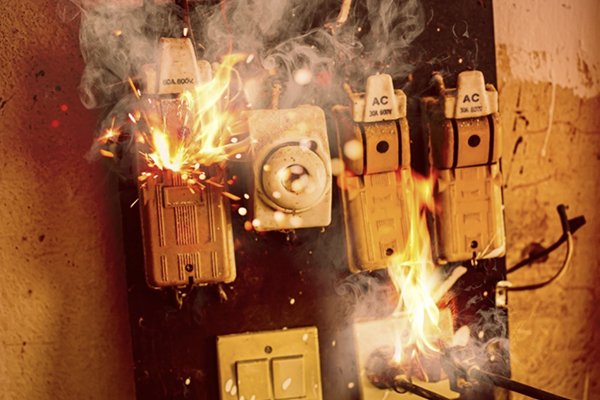
1) Assuming every strip has surge protection
Many are plain power strips. Look for a joule rating and a Protected LED.
2) Under-sizing joules
A tiny rating is fine for a lamp—not for a gaming PC and two 4K monitors.
3) Daisy-chaining strips
Strip-into-strip is a safety no. Use a single unit sized for the load.
4) Using strips for high-watt appliances
Heaters, kettles, hair dryers → wall outlet only.
5) Ignoring certifications
No CE/UKCA6/UL/ETL marks? I scroll past.
6) Trusting old protectors forever
MOVs wear out. If the Protected light is off—or after years of heavy use—replace.
7) Skipping the power map
USB-C PD5 without a clear per-port/shared watt table often disappoints.
Recommended Surge Protector Brands and Howdy’s Reliable Options

Global brands I rate for clear specs and consistent safety
- APC (Schneider Electric) – enterprise-style documentation, robust build
- Belkin – balanced value, clean layouts
- Tripp Lite (Eaton) – higher-joule choices, AV-friendly filtering
- CyberPower – wide range, honest indicators
- Brennenstuhl (EU) – tough housings, EU focus
- Masterplug (UK) – UK fused plugs, tidy formats
- Anker / UGREEN – strong USB-C PD5 integration with surge options
- TP-Link Kasa – smart control models with scheduling + surge
HOWDY surge-protected power strips (OEM/ODM)
- Protection stack: Overload breaker + thermal safety, ≈1,000–3,000 J surge options with thermal MOV disconnect and Protected LED
- USB done right: USB-C PD5 30–100 W (PPS optional) with a transparent power map
- Layouts for real desks: Wide-spaced outlets, flat plugs, 1.8–2.5 m cords, under-desk mounting
- Compliance ready: Region-specific models with CE/UKCA6 (EU/UK) or UL/ETL (US/CA), RoHS materials, complete DoC/test packs
- Custom colours/packaging & low MOQ pilots for campus, retail, or private-label programmes
Tell me your plug type, cord length, USB-C PD5 wattage, and target joule rating—I’ll map a configuration and sampling plan that fits your market rules.
One-Page Buyer’s Checklist (print this)
- [ ] Surge joule rating shown (≥1,000 J) + Protected LED
- [ ] Overload breaker + thermal protection; flame-retardant housing7
- [ ] Wide-spaced outlets, flat plug, right cord length (1.8–2.5 m)
- [ ] USB-C PD5 with a clear power map
- [ ] Region marks: CE/UKCA6 or UL/ETL, RoHS; smart SKUs show RED/FCC
- [ ] No intent to daisy-chain; high-watt appliances will use wall outlets
- [ ] Replacement plan if the Protected light ever goes off
Conclusion
Buy the surge protector that is boringly clear about joules, safety, layout, and compliance. If the listing shows the numbers (and the paperwork), you’ll get calm power, tidy cables, and electronics that live a long, drama-free life.
-
Understanding the surge protection stage helps you choose the right protector for your devices. ↩
-
Explore how EMI/RFI filters can improve the performance of your electronic devices. ↩ ↩
-
Learn why Joule ratings are crucial for protecting your electronics from power surges. ↩
-
Discover how a Protected LED indicator can inform you about the status of your surge protector. ↩
-
Learn about USB-C PD technology and its benefits for charging multiple devices. ↩ ↩ ↩ ↩ ↩ ↩ ↩
-
Understanding these compliance marks ensures you choose safe and reliable products. ↩ ↩ ↩ ↩
-
Learn how flame-retardant materials enhance safety in surge protectors. ↩